


Apr 21, 2026
Top 16 Korean Drama Shorts That Will Hook You Instantly
Korean drama shorts are the kind of content you click on “just for a minute” and suddenly you’re deep into…
Read More


MobiFlix is a completely free app that allows you to stream an unlimited variety of movies and TV shows, all without requiring you to create an account or share any personal information. Simply download the app, search for the movie or TV show you’re interested in, click play, and you’re good to go.
MobiFlix offers endless entertainment options, including content from popular platforms such as YouTube, Twitch, and even live TV channels. If you can’t find what you're looking for, feel free to make a request, and we’ll gladly search the web to bring it directly to you.
With MobiFlix, you have a seamless, no-hassle streaming experience, giving you access to thousands of movies and TV shows at your fingertips. Download the app today, and enjoy limitless entertainment anytime, anywhere!
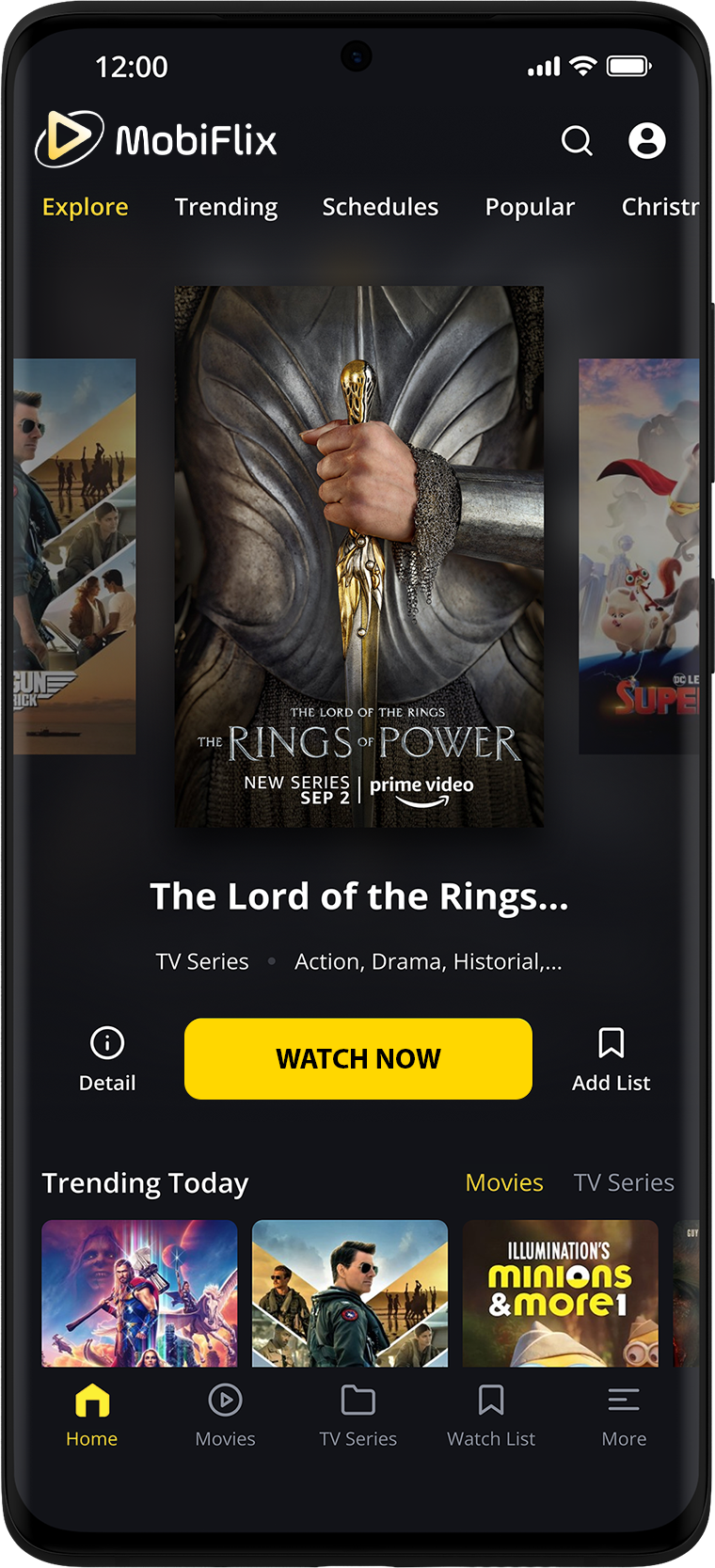

MobiFlix is 100% free, and you can start streaming right away without the need to create an account. There are no hidden costs involved.

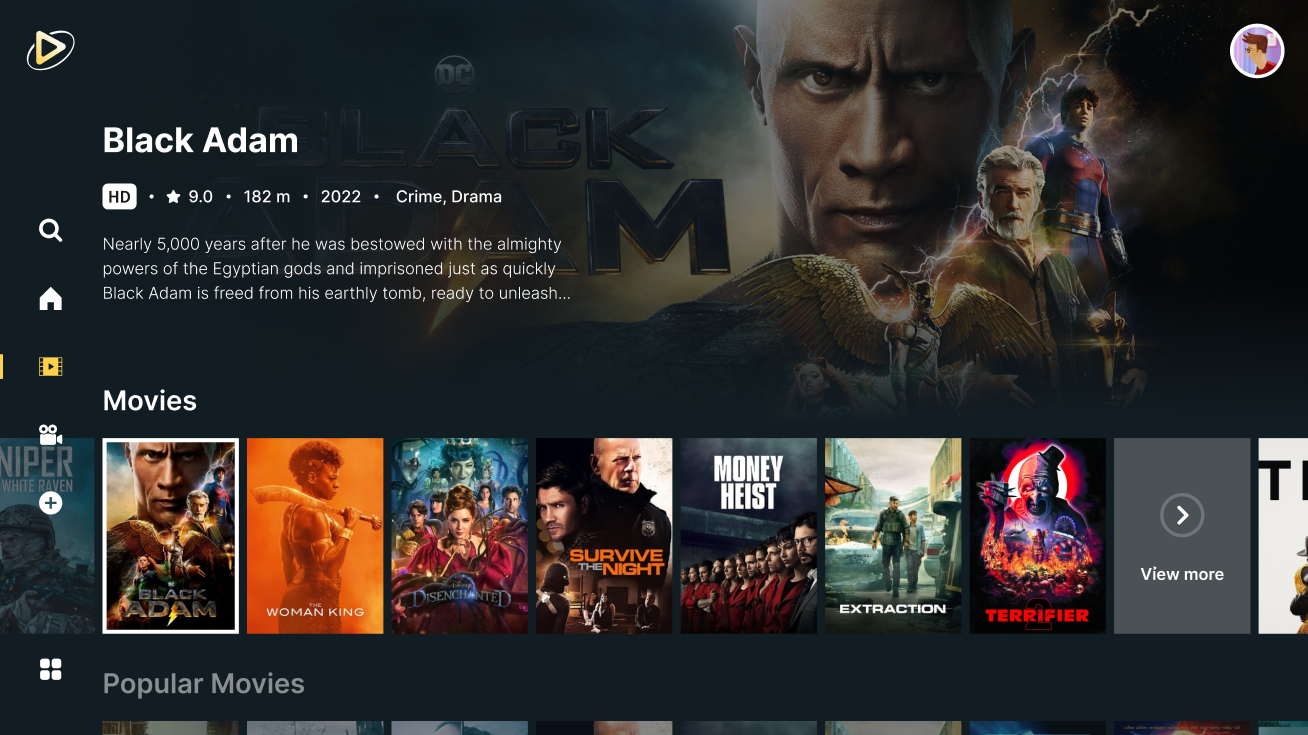
Enjoy movies and shows from around the world with ease. Simply select your preferred language and discover new cultures.

We offer several server choices to ensure a smooth and uninterrupted viewing experience, including a Torrent server and other carefully selected options from trusted services.

Save your favorite movies and shows for offline viewing, so you can enjoy them anytime, even without an internet connection.

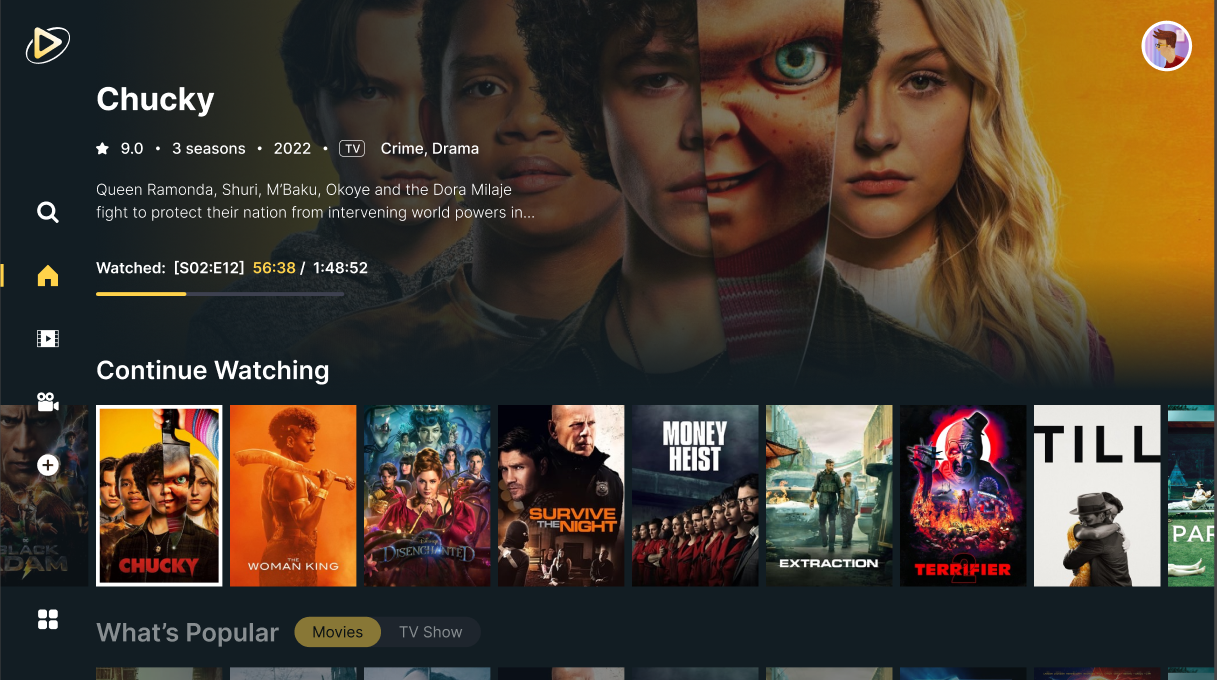
Keep track of the movies and shows you love. Whether you want to rewatch them or share them later, it's easy to curate your personal collection.

Visit MobiFlix whenever a new movie or TV episode is released. We're among the fastest to bring you the latest content as soon as it drops.
Yes, it is! If you’re looking for a free, secure movie streaming app that doesn’t require registration, MobiFlix is the perfect choice for you.
To start watching free movies on MobiFlix, the first step is to download the app’s APK file.
MobiFlix offers two versions: one for Android smartphones and one for Android TVs. Select the appropriate version for your device.
Now that you know how to install MobiFlix, you might encounter issues when downloading the APK file. Here’s what to do if the app doesn’t work:
Several factors could cause the MobiFlix APK to malfunction. Here are some potential issues:
If the APK still isn’t working, contact MobiFlix support for further troubleshooting steps.
With the MobiFlix app, downloading movies for offline viewing is simple. Follow these steps to get started:
Yes, you can stream free movies on MobiFlix using your PC, but you'll need to use an Android emulator to install the app.
In conclusion, the MobiFlix app is an excellent way to access free movies and TV shows. It offers a simple interface and a wide variety of content for users to enjoy without any subscription or payments.
Whether you’re using it on your phone or PC, MobiFlix ensures an enjoyable and seamless viewing experience.
Keep up to date with the latest news, insights, and updates on MobiFlix and the ever-evolving world of streaming entertainment.
 Top Movies
Apr 21, 2026
Korean drama shorts are the kind of content you click on “just for a minute” and suddenly you’re deep into…
Read More Movie Reviews
Apr 21, 2026
War Machine 2026 is a tense sci-fi action film set during a high-risk military mission. The story follows a team…
Read More Movie Reviews
Apr 21, 2026
A Knight of the Seven Kingdoms drops us into a quieter corner of Westeros, and somehow, that makes it hit…
Read More Movie Reviews
Apr 21, 2026
The Pitt season 2 review takes you back to the high-pressure frontline of a struggling Pennsylvania hospital, where tension rises…
Read More Movie Reviews
Apr 09, 2026
The Pitt season 1 recap takes you back into the intense world of a Pittsburgh emergency room, where every moment…
Read More Movie Reviews
Apr 07, 2026
Silk gowns, stolen glances, and scandals whispered across ballrooms… This Bridgerton recap dives straight into the drama that made us…
Read More