Top 16 Korean Drama Shorts That Will Hook You Instantly
Apr 21, 2026
Kokotime App is a lightweight streaming app created for users who want free access to movies and TV content without subscriptions or complicated setups. Designed as a flexible media center, the Kokotime app allows you to stream global content through community-based extensions while also organizing local media files in one place.
In this review, we explain who Kokotime is best suited for, how the app works in real use, and what practical value Kokotime TV offers compared to similar free streaming tools. We also take a closer look at whether Kokotime remains a viable option in 2026 by breaking down its key features, cross-device compatibility, and overall usability on both mobile devices and TVs. To help you make an informed decision, this guide also highlights essential safety considerations so you can enjoy a more secure and controlled viewing experience.
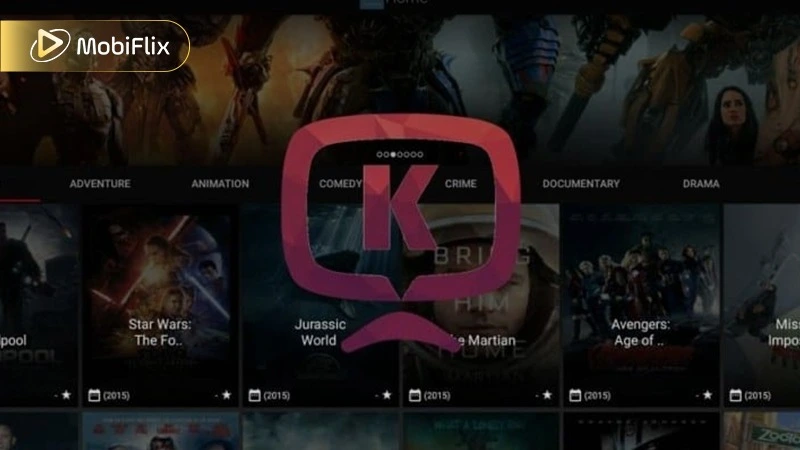
Smart content management layout within the kokotime app.
Kokotime is a third-party movie and TV streaming center that functions similarly to platforms like Kodi or Stremio. Unlike traditional services, the kokotime app does not host content itself but provides the infrastructure to organize and play media from various sources.
Rather than hosting content itself, Kokotime works as a customizable media center, similar in concept to platforms like Kodi or Stremio. It acts as a flexible shell where users can add community-created addons to stream movies, TV shows, and other content from the internet.
At the same time, Kokotime can organize local media files and automatically display useful details such as posters and summaries. The main focus is fast access, basic playback controls, and smooth viewing on larger screens through Kokotime TV, making it appealing to film lovers and casual viewers who prefer simplicity over advanced features.
Before installing any streaming app, it’s important to understand where it works and what your device needs to run it properly. This helps avoid compatibility issues and ensures a smoother setup from the start.
The table below outlines where Kokotime works, its basic system requirements, and general app details so you can quickly check if your device is supported.
|
Item |
Details |
|
Application |
Kokotime |
|
Supported Platforms |
Android, Android TV, Android TV boxes, Firestick, Windows/Mac (via emulator) |
|
License |
Free |
|
Android Version |
4.1 and above |
|
iOS Support |
Not available |
|
App Size |
28 MB (v2.2.33) |
|
Chromecast Support |
Yes, native in-app support |
|
Subtitle Support |
187+ languages with auto-detection |
Kokotime runs smoothly on most Android devices and does not require powerful hardware. This makes it a good choice for casual users who want a simple streaming setup without demanding system requirements.
When we look at Kokotime content, simplicity is the main focus. The app is designed to give users easy access to essential entertainment without overwhelming menus or complex filters. It offers access to:
To help users browse more quickly, Kokotime organizes content into basic categories that are easy to understand and navigate. While the overall library is smaller than that of some larger streaming platforms, it still covers common viewing needs for casual users. Anime fans may find fewer options compared to dedicated anime services, but some animated titles are available depending on the content sources and addons used.
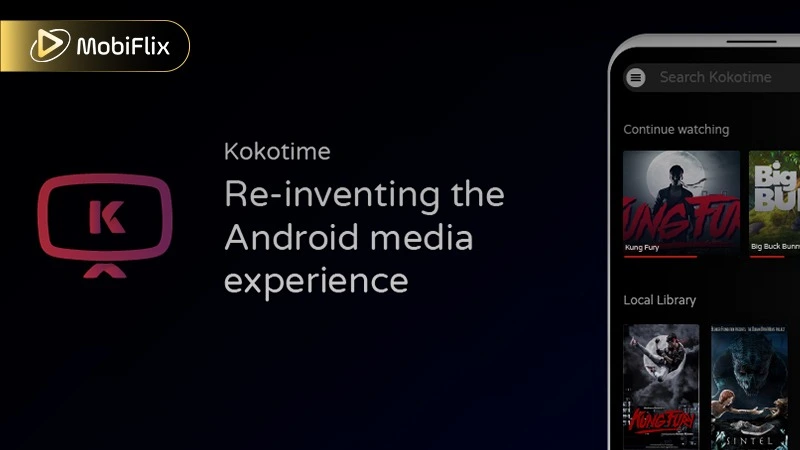
Installing Loaders to expand the library on kokotime apk.
The developers have made the mobile experience easy to understand and comfortable to use. Instead of complicated menus, Kokotime relies on simple gestures and a clean, modern design. This makes navigation feel natural, even for first-time users.
Several key features help improve everyday use:
Before moving to the navigation guide, it is essential to understand how the Kokotime app handles different hardware. The table below provides a quick look at what you can expect in terms of visual quality.
The following data summarizes the streaming benchmarks for the Kokotime app for android tv and mobile platforms.
|
Quality Level |
Resolution |
Recommended Hardware |
|
Standard (SD) |
480p |
Entry-level Android phones / Legacy TV Boxes |
|
High (HD) |
720p – 1080p |
Standard Android TV / Mid-range smartphones |
|
Ultra (4K) |
2160p |
NVIDIA Shield / Firestick 4K Max / High-end Tablets |
|
Offline Mode |
Variable |
Depends on local storage and file source quality |
Since Kokotime relies heavily on community addons, your streaming quality is often determined by the specific addon provider. For the smoothest 4K experience, ensure your hardware supports H.265 (HEVC) hardware decoding.
Before choosing any streaming app, it’s important to carefully consider both the advantages and the limitations. Doing so helps you understand what the app does well and where it may fall short for your specific needs. Below is a more detailed look at the pros and cons of Kokotime.
Understanding these strengths and weaknesses helps you decide whether Kokotime is the right streaming solution for you.
Like any app that depends on third-party addons, Kokotime comes with certain security risks that users should understand. The app itself works as a neutral media player, but the streaming links provided by community addons are not always checked for safety. This means the level of risk can vary depending on which addons you use.
As mobile threats become more advanced, including data leaks and harmful background activity, it’s important to take basic precautions if you choose to use this app:
Important: While Kokotime offers flexibility and control, users should proceed carefully and stay informed about the legality of the streams they access in their region.
Essential security tips when using the kokotime media center.
Because the app is usually shared as an APK through third-party stores such as Aptoide, manual installation is the normal setup method for most users. While this may sound technical, the process is simple and only takes a few minutes.
To install Kokotime APK, follow these easy steps:
After these steps, Kokotime is ready to use, and you can start exploring its features right away.
For those who prefer the theater-like feel of a living room, Kokotime TV setups are highly popular. The app’s interface scales beautifully to larger screens, making it a strong competitor for Android TV boxes and Amazon Firestick devices.
The table below explains how to get the media center running on your television hardware.
|
Device |
Installation Method |
|
Android Smart TV |
Direct APK install via USB or File Commander |
|
Amazon Firestick |
Use the “Downloader” app to fetch the APK URL |
|
Android TV Box |
Sideload via browser or third-party app stores |
Once installed on a TV, the app supports remote navigation perfectly. You can easily browse through high-definition posters and start your favorite movies with a single click from your couch.
Unlike some larger streaming apps, Kokotime does not place a strong focus on offline downloads. The ability to save content for offline viewing depends on the source and the version of the app being used. Because of this, offline access may not always be available or reliable. For users who frequently watch content without an internet connection, this limitation is important to consider before choosing Kokotime.
Using Kokotime is quite easy, but understanding its add-on system and gesture controls will help you get the best experience. Here’s how to use it smoothly:
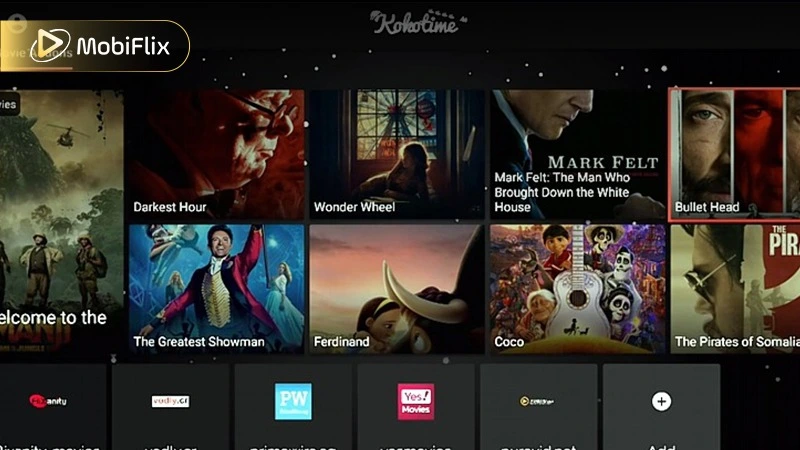
Is the kokotime app the right choice for you?
If Kokotime feels too limited or some add-ons stop working, there are several strong alternatives you can try in 2026. Each option focuses on different needs, such as customization, legality, or ease of use.
Here is a simple comparison to help you choose the right alternative:
|
App Name |
Best For |
Platform Support |
|
Stremio |
All-in-one media center with cloud sync |
Android, Windows, Mac, iOS (Web) |
|
Kodi |
Advanced users who want full customization |
Android, Firestick, PC, Xbox |
|
Plex |
Managing and streaming your own media library |
Most smart devices |
|
Tubi |
Legal, free streaming with ads |
Android, iOS, Smart TVs |
|
HDO Box |
Fast, one-click streaming |
Android, Firestick |
If you want flexibility and add-ons, Stremio or Kodi are good choices. For legal streaming, Tubi is the safest option. If you prefer simple and fast playback, HDO Box may suit you better.
Kokotime can be considered a simple and lightweight streaming option for users who want free access to movies and TV content on Android devices and smart TVs. The app does not aim to compete with larger platforms in terms of advanced features or an extensive built-in library. Instead, it focuses on providing a stable and straightforward viewing experience that works well for everyday use. Navigation is optimized for TV screens, and the overall design keeps distractions to a minimum.
For users who value simplicity, easy control on large displays, and a subscription-free setup, and who clearly understand the app’s functional and content limitations, Kokotime can be a practical and reasonable option to explore.
Kokotime itself does not usually shut down completely, but you may experience temporary issues when certain add-ons stop working or are being updated. Since Kokotime relies on community add-ons and external sources, streaming interruptions are more likely caused by add-on maintenance or source changes rather than the app going offline.
Yes, Kokotime is free to use. You can access its core features without paying subscription fees or creating an account, which makes it appealing to users looking for a cost-free streaming option.
Offline viewing support is limited. Availability depends on the version of the app and the content source being used. Users who rely heavily on offline downloads may find this feature inconsistent.
The legality of Kokotime depends on your country and local copyright laws. Because the app relies on third-party addons and sources, users should check their regional regulations before using it.
A VPN is not required to use Kokotime, but it is recommended to improve privacy and protect your internet connection while streaming content.

Apr 21, 2026

Apr 21, 2026

Apr 21, 2026

Apr 21, 2026

Apr 09, 2026

Apr 07, 2026